

 Set up docs MCP
ClickHouse Cloud supports role-based access control (RBAC) for ClickHouse Managed Postgres services. You can create custom roles with specific permissions and assign them to organization members to control who can view or manage your Postgres services.
Available permissions
ClickHouse Managed Postgres currently supports two permissions:
| Permission | Description |
|---|---|
| View Postgres services | Allows a user to see the Postgres service and its details. |
| Manage Postgres services | Allows a user to modify, scale, and configure the Postgres service. |
Creating a new Postgres service requires the existing Organization manage permission. The permissions above apply only to existing services.
Creating a custom role
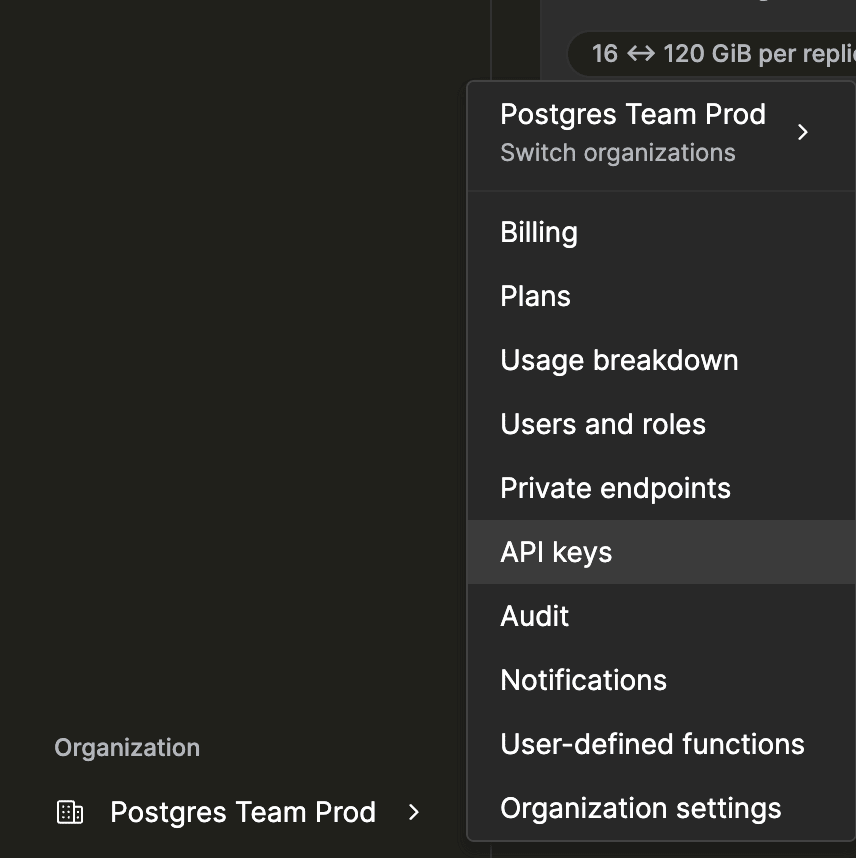
- Click your organization name in the left sidebar and select Users and roles.
- Switch to the Roles tab and click Create role.
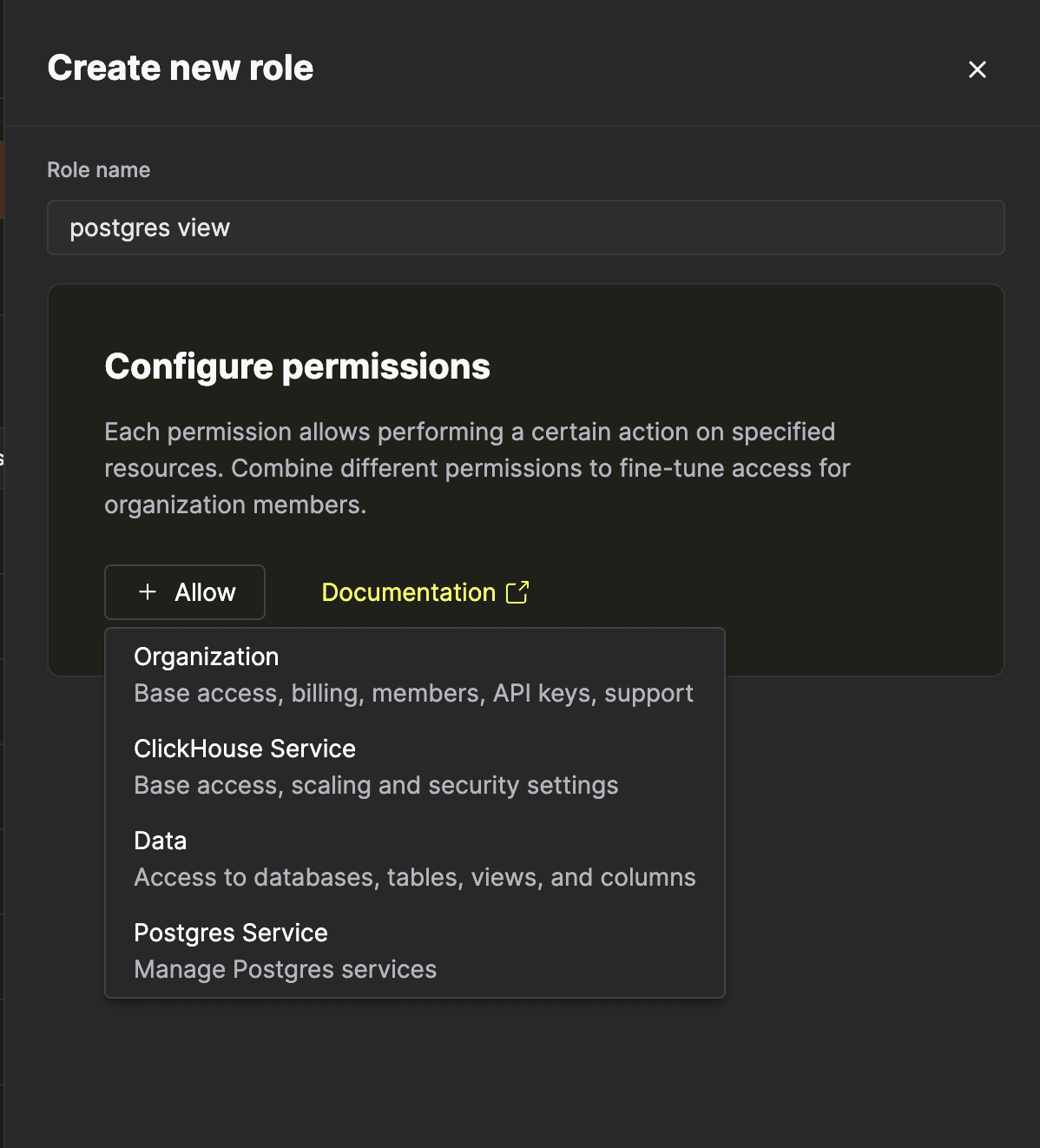
- Enter a name for the role, then click + Allow and select Postgres Service from the entity list.
- Choose the Postgres service to scope the role to, then select the permissions to grant.
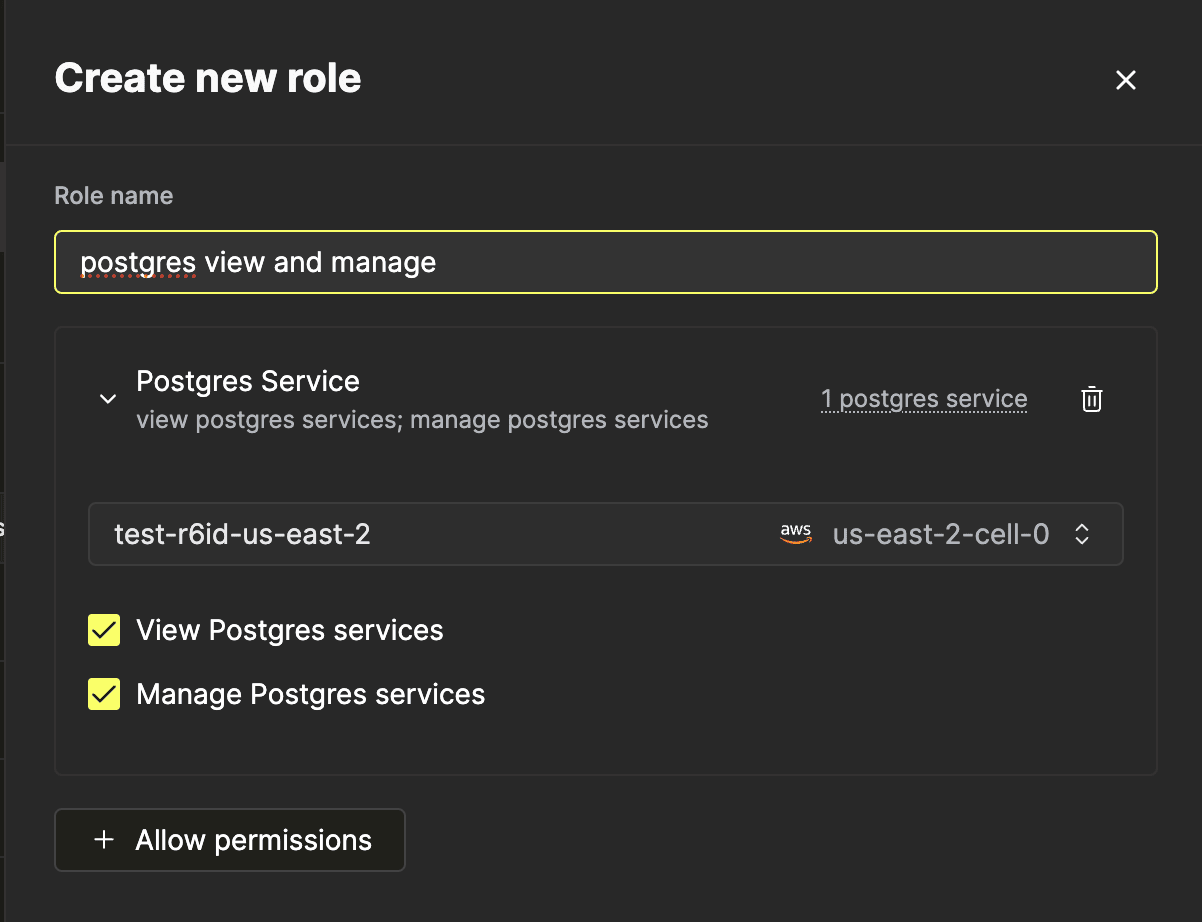
- Click Create role to save.
Assigning a role
Once the role is created, assign it to users from the Users tab on the same Users and roles page. A user can have multiple roles, and roles can be combined to build the exact access profile you need.